One MCP Server, Eight Config Files
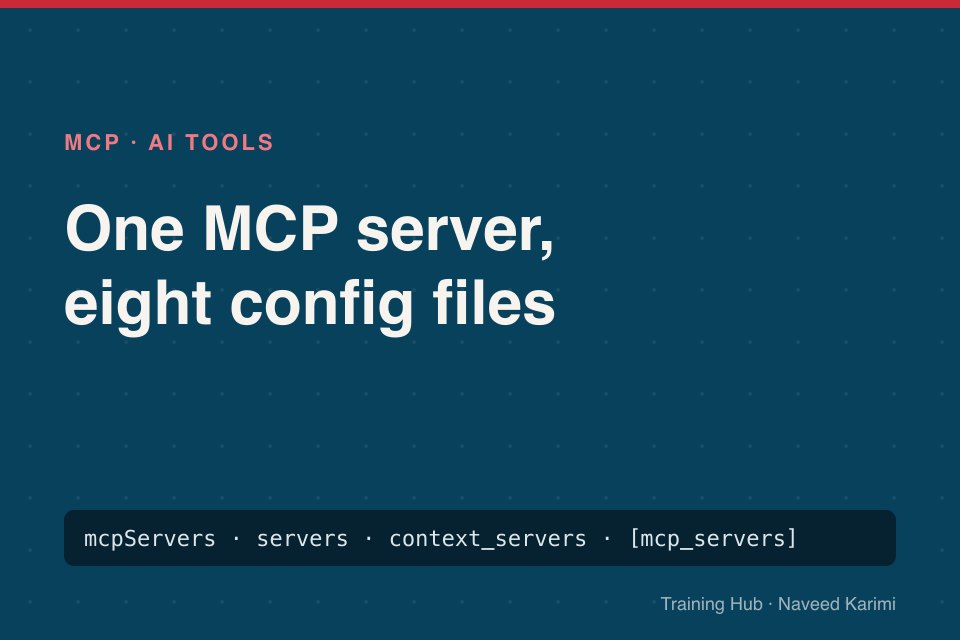
Every MCP server README shows a block of JSON that starts with "mcpServers". Paste it into Claude Code's .mcp.json or Cursor and it works. Paste it into Codex, VS Code or Zed and nothing happens, with no error.
This week I wrote the MCP Setup Guides, covering the same servers in eight tools, running the CLIs where I could and checking the rest against their docs. The good news is that every tool needs the same facts. The bad news is that each one wants them written differently, and most of the failures I hit came from five small differences.
The facts every tool needs
- A name for the server, which becomes the prefix of its tools.
- A transport: a local program over stdio, or a remote server over HTTP.
- For a local server, the command and arguments to start it. For a remote one, the URL.
- Any secrets, as environment variables or headers.
- A scope: this project only, or every project.
That's it. Everything else is formatting.
Difference 1: the top-level key
| Key | Used by |
|---|---|
mcpServers | Claude Code, Cursor, Claude Desktop, Gemini CLI, JetBrains AI Assistant |
servers | VS Code |
context_servers | Zed |
[mcp_servers.<name>] tables (TOML, not JSON) | Codex CLI |
A wrong key isn't an error. The tool just sees a setting it doesn't use and ignores it. If a server never shows up, check the key before anything else.
Difference 2: how secrets are written
This one causes the most confusing failures, because a mistake doesn't look like a mistake. Claude Code reads ${GITHUB_PAT}, Cursor reads ${env:GITHUB_PAT}, Gemini CLI reads $GITHUB_PAT, VS Code prompts for ${input:github_pat}, and Codex has a dedicated bearer_token_env_var setting.
Use the wrong syntax, or forget to export the variable, and many tools pass the text through unchanged. The server then receives the literal string $GITHUB_PAT as your token and answers 401 on every call. The Context7 server's source even has a comment about catching exactly this case from Gemini CLI.
Difference 3: Gemini CLI's folder trust
Gemini CLI 0.67 won't run MCP servers in a folder you haven't trusted, including servers you added for every project. gemini mcp list shows them as Disabled, and adding one with the default project scope fails with an "untrusted workspace" error. It's a sensible safety feature, since a cloned repository could otherwise start programs on your machine. Run /permissions trust once per folder.
Difference 4: startup timeouts
The first run of npx -y some-server downloads the package. Some tools give up before it finishes. Gemini CLI reported DBHub as Disconnected until I added --timeout 30000, and then it connected. Claude Code reads MCP_TIMEOUT, and Codex has startup_timeout_ms per server.
Difference 5: OAuth happens at different moments
Remote servers such as Sentry, Supabase and Figma sign you in through the browser. Codex starts that flow the moment you run codex mcp add, and waits. Claude Code waits until you run /mcp or claude mcp login. Cursor and Zed prompt when a tool is first used. If a remote server sits at "not logged in", look for the sign-in step your tool expects.
Skip the conversion
I put the differences in two places so you don't have to remember them:
- The MCP config generator takes your tool and servers and writes the exact command or file, with secrets in the right syntax.
- The MCP config file locations cheat sheet has every file, key and command on one printable page.
And when a server still won't connect, the troubleshooting guide walks through the eight causes I see most.