Message Queues Explained for System Design
On this page
Why a database table makes a poor queue
Many systems start with a homemade queue: a pending_notifications table and a background job that polls it every ten seconds. It works, and then it doesn't. Notifications wait up to ten seconds. Two copies of the job grab the same row. A row that keeps failing blocks or retries forever. The table bloats. A message queue solves these problems properly.
What is a message queue?
A producer puts a message on the queue. A consumer takes it off and processes it. The queue stores messages in between. That decouples three things:
- Time: producer and consumer don't need to be running at the same moment.
- Load: a burst of 50,000 messages waits in the queue; consumers work through it at their own pace (Day 73).
- Failure: if a consumer crashes, the message isn't lost; another consumer gets it.
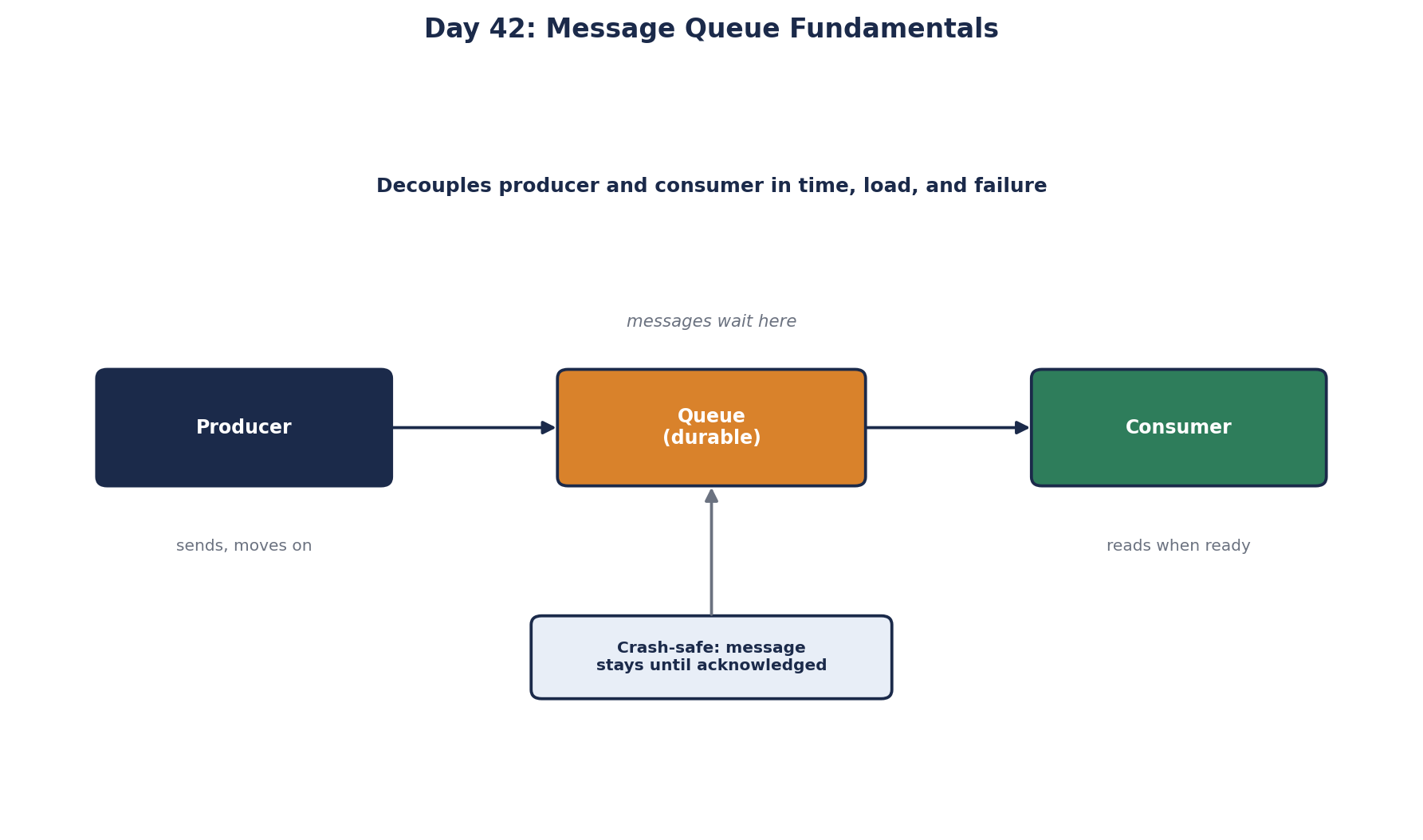
Message queue guarantees: durability, acks, delivery and ordering
Durability. A durable queue writes messages to disk (and usually replicates them) before confirming to the producer, so a broker restart doesn't lose them. Check that it's on; some setups default to in-memory.
Acknowledgments. The consumer tells the queue "done" only after processing succeeds. If it crashes first, the message becomes visible again after a timeout (SQS calls it the visibility timeout) and is redelivered. Acknowledge too early and a crash loses work; never acknowledge and the message comes back forever.
The timeout cuts both ways. SQS defaults to 30 seconds. If a job takes 2 minutes, the message reappears while the first consumer is still working, a second consumer picks it up, and the work runs twice (AWS docs). Set the timeout above your slowest normal processing time, and for long jobs, extend it periodically while you work (ChangeMessageVisibility in SQS, lock renewal in Azure Service Bus).
Delivery guarantee.
| Guarantee | Meaning | Cost |
|---|---|---|
| At most once | Never processed twice; may be lost | Simple; risky for anything important |
| At least once | Never lost; may be processed twice | The usual choice; consumers must handle duplicates |
| Exactly once | Processed once | Only within specific systems and conditions; usually built from at-least-once plus idempotency |
Plan for at least once: make consumers idempotent (Day 65), so a duplicate has no extra effect.
Ordering. Some queues keep strict order (SQS FIFO queues, a Kafka partition); many don't (standard SQS, RabbitMQ with several consumers). With competing consumers, even an ordered queue can complete messages out of order. If order matters, design for it: per-key ordering, sequence numbers, or consumers that tolerate it.
Dead-letter queues and retries
A message that fails every time, such as one with malformed data, would otherwise be retried forever and block or slow everything behind it. After a set number of attempts, the queue moves it to a dead-letter queue (DLQ). Alert on DLQ depth, inspect what landed there, fix the cause, and replay the messages. Azure Service Bus does this after 10 delivery attempts by default; in SQS you set the count yourself.
Retrying immediately rarely helps: if the email provider is down now, it's down in 50 ms too. Add a delay that grows between attempts (Day 74), using the broker's scheduled or delayed delivery.
Keep messages small, too. Brokers cap message size, and large payloads slow everything. For a 20 MB file, store it in object storage and send its location in the message. This is the claim check pattern.
Worked example: replacing a polling table with a queue
- The API publishes
{ "type": "order_confirmation", "order_id": 991 }to a queue the moment an order is placed. - Three consumer instances receive messages as they arrive: no 10-second polling delay, no two workers taking the same message.
- A consumer sends the email, then acknowledges. If the provider is down, it doesn't acknowledge; the message comes back after the visibility timeout.
- After 5 failed attempts, the message goes to the DLQ and an alert fires.
- The consumer records
order_idas notified, so a redelivered duplicate doesn't send a second email.
Managed options: Amazon SQS, Azure Service Bus, Google Cloud Pub/Sub. Self-hosted: RabbitMQ (Day 44). Kafka (Day 43) is a log rather than a classic queue, with different trade-offs.
Check yourself
The message is lost. The acknowledgment told the queue the work was done, so it deleted the message, and the crash meant the work never happened. Acknowledge only after processing has succeeded, and make processing idempotent, because a crash after the work but before the ack causes a redelivery.
The same message can arrive more than once, for example when an acknowledgment is lost, so processing it twice must not repeat the effect.
Holding messages that keep failing after several attempts, so they don't block other messages, and so someone can inspect, fix and replay them.
The visibility timeout is shorter than the job, so the message reappears and another worker takes it. Raise the timeout above the job time, or extend visibility while working.
Workers must poll it, which adds load and latency, and naive polling makes several workers grab the same row unless you use row locks like SKIP LOCKED. Deleting processed rows causes bloat, and there's no built-in retry, dead-lettering or fan-out. A real queue handles all of that.